

Water consumption reports
The Reports tab shows how much water your zones received over a period, and whether you are using more or less than before.
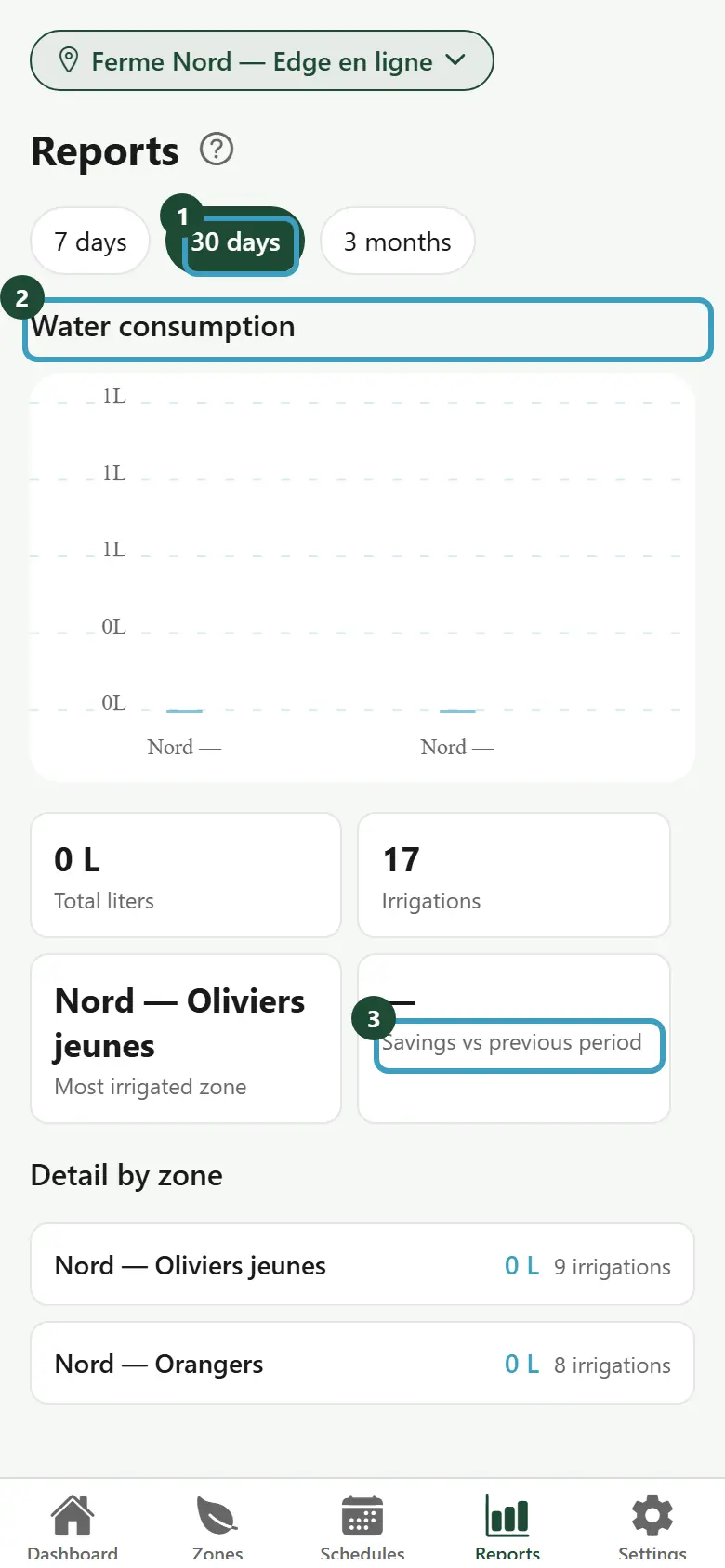
Choose the period
- Tap the Reports tab.
- If you have several farms, choose the farm at the top of the screen.
- Tap 7 days, 30 days or 3 months. The app shows 30 days by default.
If there was no irrigation during the period, the app shows No data for this period.
Read the report
- Water consumption: a bar chart, one bar per zone, in liters.
- Total liters: the water used during the period, for all zones together.
- Irrigations: the number of waterings during the period.
- Most irrigated zone: the zone that received the most water.
- Savings vs previous period: the comparison with the period of the same length just before. In green with a minus sign (for example -12%), you used less water. In orange with a plus sign, you used more. A dash "—" means there is no previous period to compare with.
- Detail by zone: for each zone, the liters used and the number of irrigations.
TIP
For 30 days, the previous period is the 30 days before. Compare similar periods: a hot season naturally needs more water.